Missed frames still count
RaptorQ keeps producing repair packets as the animation loops. Dropped or out-of-order frames do not stall the transfer: once enough unique packets arrive, the file is reconstructed.
A file becomes a looping QR animation on one screen. Another device’s camera rebuilds it locally — no cable, no cloud, no pairing, even if some frames never arrive.
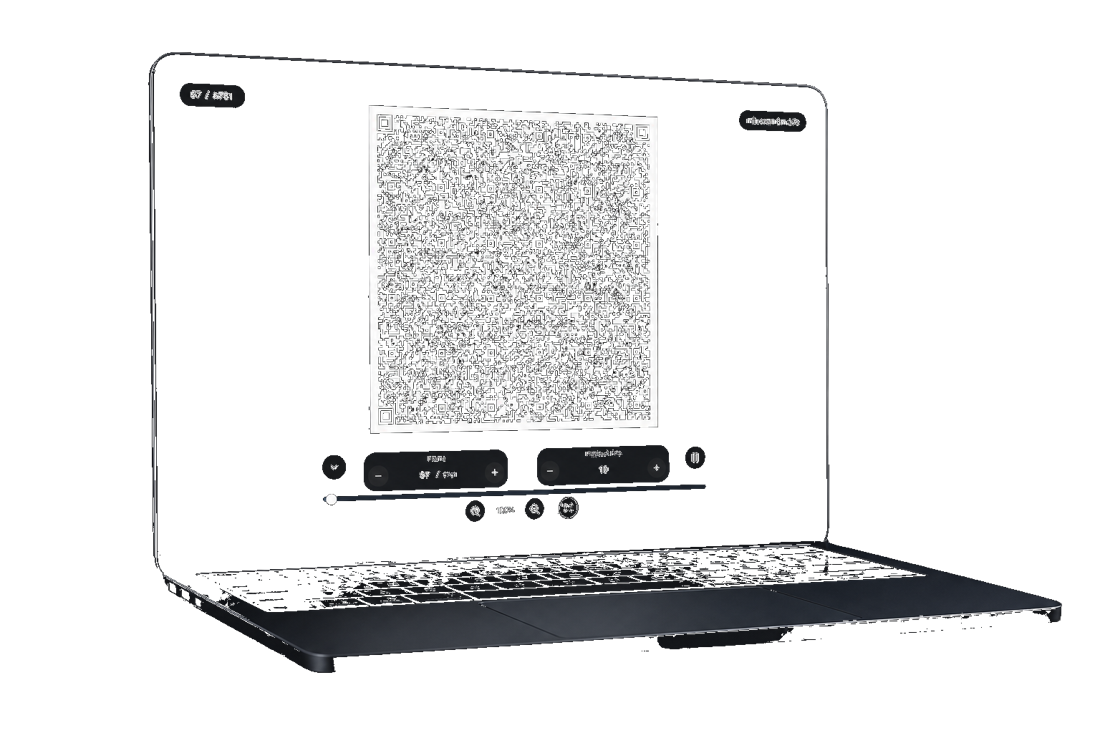

Encode on one screen. Scan on the other.
Why AirQR
Encode a file into animated QR codes on one screen. Scan on the other until the progress fills. The original is rebuilt on-device — fountain codes mean you need enough unique packets, not every frame in order.
RaptorQ keeps producing repair packets as the animation loops. Dropped or out-of-order frames do not stall the transfer: once enough unique packets arrive, the file is reconstructed.
SSH keys, WireGuard configs, 2FA secrets, password exports. A few seconds of camera time beats a pairing prompt, a USB warning, or a guest Wi-Fi login.
Native apps for Android, Windows, and Debian or Ubuntu. One offline HTML file if you cannot install anything. iPhone and macOS downloads are available alongside the browser demo.
Downloads
We detected your device. The recommended option is marked below.
Install from Google Play for automatic updates.
Signing is required before installing the IPA on iPhone or iPad.
Install from Microsoft Store for automatic updates, or download the setup executable or portable ZIP directly.
Download the x64 DEB package for current Debian and Ubuntu desktop systems.
A native app for Apple silicon and Intel Macs. Unzip and move AirQR to Applications. This build is not notarized by Apple.
One self-contained HTML file. Save it once, open it locally, and use AirQR without installing anything or going online.
How it works
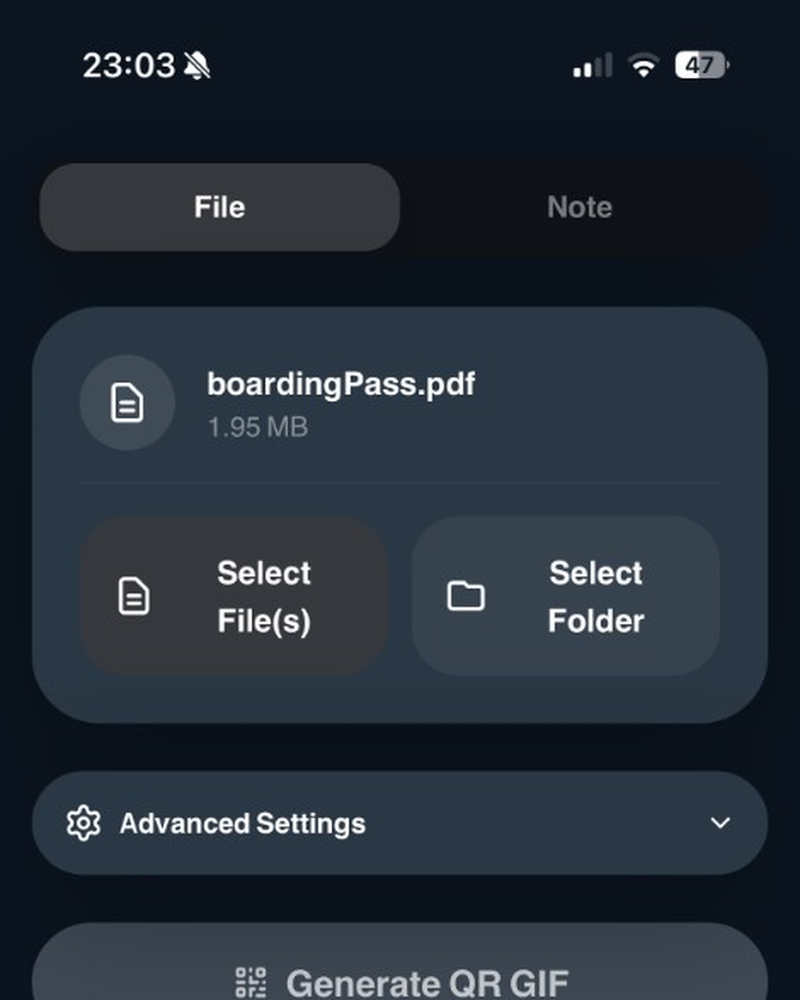
AirQR splits it into resilient packets on your device.
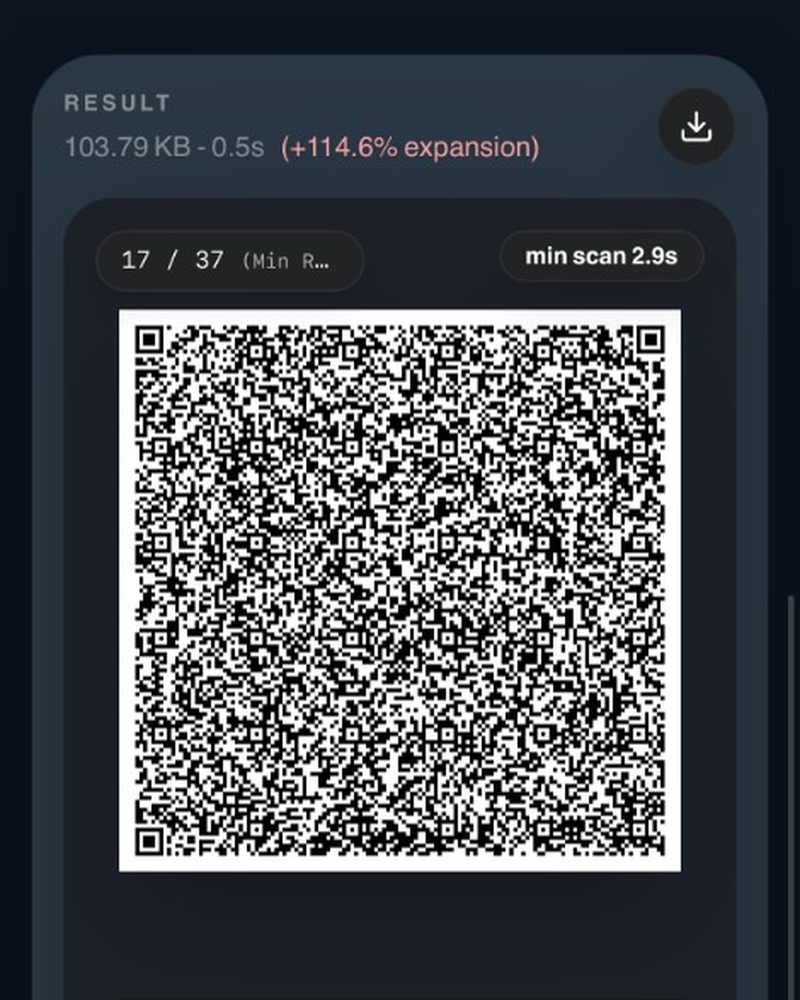
No upload happens. The data travels as light between screens.
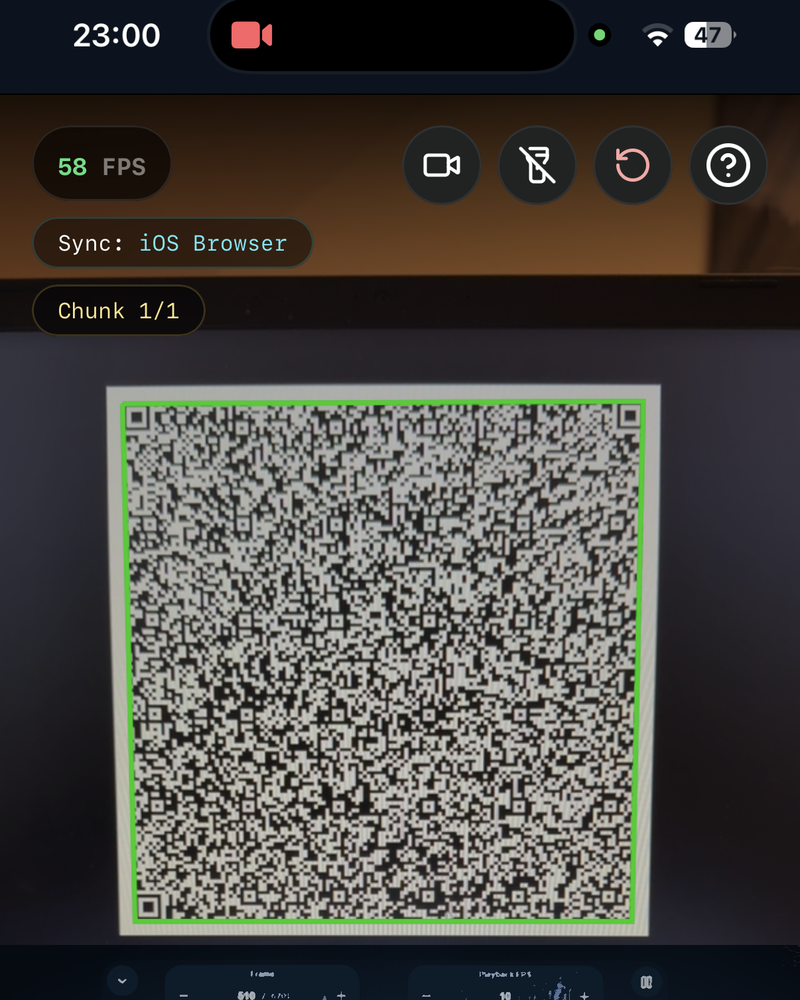
The receiver restores the file even if a few frames were missed.
Local by design
Encoding and decoding stay on the devices you control. There is no transfer cloud, and the offline HTML file can run with the network off. The data is on screen until the other camera has enough packets.
View release notes